In our fast-paced world, the dream of a truly smart home, where convenience and efficiency reign supreme, is no longer a futuristic fantasy. It’s a tangible reality, and at its heart often lies a deceptively simple yet incredibly powerful device: the smart plug. Among the myriad options available, the TP-Link Smart Plug has carved out a significant niche, offering an accessible and reliable entry point into home automation. These unassuming devices are not just about turning things on and off with your phone; they are about transforming ordinary appliances into intelligent components of a connected lifestyle, simplifying daily routines, and enhancing your home’s efficiency and security.
What is a Smart Plug and Why are They Important?
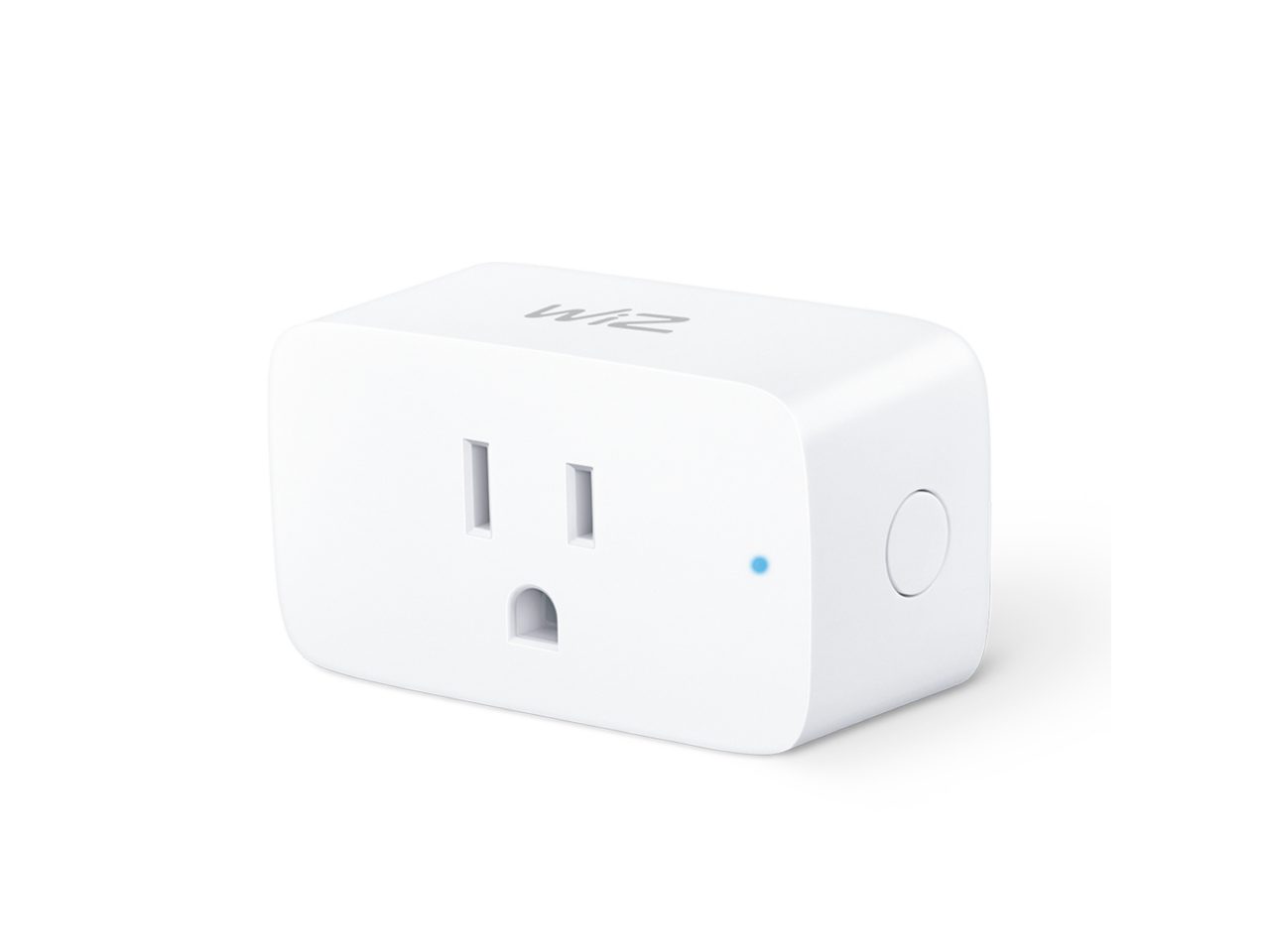
At its core, a smart plug is an adapter that fits between an electrical outlet and an appliance, allowing you to control the appliance’s power supply wirelessly. Instead of being a mere electrical conduit, it becomes a bridge to your digital world, enabling remote management, scheduling, and automation. Why are they so important? Because they democratize smart home technology. You don’t need to replace all your existing appliances with smart versions; a smart plug breathes new life into your trusted lamps, fans, coffee makers, and even holiday lights. They are the building blocks of a truly responsive home, providing foundational control over individual devices without the need for complex rewiring or expensive overhauls. They are essential for anyone looking to dip their toes into home automation without diving headfirst into a complete smart home ecosystem.
TP-Link Smart Plugs: Your Gateway to a Smarter Home
TP-Link, a global leader in networking and smart home devices, offers a robust portfolio of smart plugs under its popular Kasa and Tapo brands. These TP-Link Smart Plug devices are designed with the user in mind, focusing on ease of use, broad compatibility, and reliable performance. The Kasa series, like the popular HS105, established TP-Link’s reputation for straightforward smart plugs that seamlessly integrate with major voice assistants. The newer Tapo line, featuring models like the P100, P110, and the Matter-certified TP15, continues this legacy while introducing advancements such as energy monitoring and expanded smart home compatibility.
These smart plugs empower you to:
- Remote Control: Turn devices on or off from anywhere using the Kasa or Tapo app on your smartphone. Forgot to turn off the iron? No problem.
- Scheduling & Timers: Set daily schedules for your lights to turn on at sunset or your coffee maker to brew every morning before you wake up. Create countdown timers for devices to automatically shut off after a set period.
- Voice Control: Effortlessly integrate with Amazon Alexa and Google Assistant, allowing you to command your appliances with simple voice prompts. “Alexa, turn on the living room lamp!”
- Away Mode: Enhance home security by programming lights to randomly turn on and off while you’re away, giving the appearance that someone is home.
- Energy Monitoring: Select Tapo models, such as the P110, offer insights into your device’s power consumption, helping you identify energy vampires and save on electricity bills.
“TP-Link Smart Plugs represent the perfect blend of accessibility and advanced functionality,” notes Dr. Evelyn Reed, a leading Smart Home Technology Analyst. “They allow users to incrementally upgrade their homes, making smart living attainable without significant upfront investment or technical expertise. The addition of Matter support in their latest models is a game-changer for broader ecosystem integration.”
How TP-Link Smart Plugs Work and What You Need to Get Started
The magic behind a TP-Link Smart Plug is its direct Wi-Fi connectivity. Unlike some smart home devices that require a central hub, TP-Link smart plugs connect directly to your home’s existing Wi-Fi network. This simplifies the setup process and keeps your smart home ecosystem streamlined.
To get started, you’ll primarily need:
- A 2.4GHz Wi-Fi Network: Most smart plugs operate on the 2.4GHz band of your home Wi-Fi for better range and penetration through walls. Ensure your router supports this frequency (most modern routers are dual-band) and that your phone is connected to it during the initial setup.
- A Smartphone: An iOS or Android smartphone is essential for downloading the Kasa Smart or Tapo app, which serves as your primary control center for the smart plug.
- An Electrical Outlet: A standard wall outlet to plug in your smart plug.
- An Appliance: Any non-smart appliance or light fixture you wish to control. Make sure it operates within the smart plug’s maximum amperage rating (typically 15 amps).
Once connected, the smart plug uses your Wi-Fi network to communicate with the TP-Link cloud servers, which then relay commands from your smartphone app or voice assistant, even when you’re away from home.
Seamless Setup: Your TP-Link Smart Plug Installation Guide
Setting up a TP-Link Smart Plug is designed to be quick and user-friendly, typically taking just a few minutes. Here’s a simple, step-by-step guide:
- Download the App: Search for “Kasa Smart” or “Tapo” in your smartphone’s app store (Google Play Store for Android, Apple App Store for iOS) and install the appropriate app.
- Create an Account: Open the app and follow the prompts to create a TP-Link ID. This account is crucial for remote control and integrating with voice assistants.
- Plug In Your Smart Plug: Insert your TP-Link Smart Plug into a standard electrical outlet. The LED indicator on the plug should start blinking, indicating it’s ready for setup.
- Add Device in the App: In the Kasa or Tapo app, tap the ‘+’ icon to add a new device. Select “Plug” from the list of device types.
- Connect to Wi-Fi: The app will guide you through connecting the smart plug to your home’s 2.4GHz Wi-Fi network. You might need to temporarily switch your phone’s Wi-Fi connection to the smart plug’s temporary network during this step.
- Name Your Plug: Once connected, you’ll be prompted to give your smart plug a recognizable name (e.g., “Living Room Lamp,” “Coffee Maker”). This name will be used for app control and voice commands.
- Firmware Update (Optional but Recommended): The app may suggest a firmware update. It’s always a good idea to update the firmware to ensure you have the latest features and security enhancements.
And just like that, your device is ready to be controlled! If you encounter issues, ensure your phone is connected to the 2.4GHz band of your Wi-Fi during setup, and try resetting the plug as per the device’s manual.
Tips and Tricks to Maximize Your TP-Link Smart Plug’s Utility
Getting the most out of your TP-Link Smart Plug goes beyond basic on/off control. Here are some pro tips and tricks:
- Create Smart Schedules for Energy Savings:
- Morning Routine: Set your bedroom lamp to turn on gradually before your alarm, simulating a natural sunrise.
- Evening Wind-Down: Schedule your reading light to turn off automatically at bedtime.
- Coffee Ready: Program your coffee maker to start brewing 10 minutes before you typically wake up.
- Enhance Home Security with Away Mode: If you’re going on vacation, activate the “Away Mode” feature. Your lights will turn on and off at random intervals, making it appear as though someone is home, deterring potential intruders.
- Master Voice Control Commands: Link your TP-Link Smart Plugs to Amazon Alexa or Google Assistant. Practice simple commands like “Hey Google, turn off the fan” or “Alexa, dim the string lights” to integrate automation seamlessly into your daily life.
- Utilize Energy Monitoring (Tapo P110): For models with energy monitoring, regularly check the app to see which devices consume the most power. Use this data to adjust schedules or switch to more energy-efficient habits, directly impacting your utility bills.
- Group Devices for Unified Control: If you have multiple TP-Link Smart Plug devices in one room (e.g., several lamps), group them within the Kasa or Tapo app. This allows you to control all grouped devices with a single tap or voice command.
- Set Up Smart Scenes/Routines: Beyond simple schedules, explore creating “scenes” or “routines.” For instance, a “Movie Night” scene could dim your lights and turn on your entertainment system with one command. An “Away” routine could turn off all designated lights and appliances when you leave.
The Unmistakable Benefits: Energy Savings, Enhanced Safety, and Ultimate Convenience
The adoption of a TP-Link Smart Plug brings a trio of powerful benefits that significantly improve your living experience:
Energy Savings
One of the most compelling advantages is the potential for substantial energy savings. Smart plugs help combat “phantom load,” where devices consume power even when turned off but still plugged in. By scheduling devices to power down completely when not in use, or by manually switching them off remotely, you can drastically reduce wasted electricity. The Tapo P110’s energy monitoring feature takes this a step further, providing real-time data to help you identify and manage energy-guzzling appliances, leading to a noticeable decrease in your monthly energy bills.
Enhanced Safety
Smart plugs contribute to a safer home environment in several ways. The ability to remotely turn off devices means you can avoid potential hazards, like an unattended curling iron or space heater. The “Away Mode” feature mentioned earlier acts as a powerful deterrent against burglaries, adding an extra layer of security when your home is vacant. Furthermore, many TP-Link Smart Plugs are built with flame-retardant materials and include overload protection, ensuring reliable and safe operation.
Ultimate Convenience
Imagine never having to fumble for a light switch again, or waking up to the aroma of freshly brewed coffee without lifting a finger. This is the convenience a TP-Link Smart Plug delivers. From voice commands that control your lights from the couch to automated schedules that handle daily tasks, smart plugs free up your time and mental energy. Whether you’re on vacation or simply in another room, the power to manage your home’s devices is literally at your fingertips.
Advanced Features and Seamless Smart Home Ecosystem Integration
TP-Link is continuously innovating, ensuring their smart plugs remain at the forefront of smart home technology. One of the most significant advancements is the integration of Matter, a universal smart home standard, into newer models like the Tapo TP15.
Matter Compatibility: With Matter support, your TP-Link Smart Plug can seamlessly integrate with any Matter-certified smart home platform, including Apple HomeKit, Amazon Alexa, Google Home, and Samsung SmartThings. This eliminates compatibility headaches and allows you to build a truly unified smart home regardless of brand. The “Multi-Admin” capability of Matter also means that multiple family members can control devices from their preferred platform, simplifying management permissions.
Firmware Updates: TP-Link regularly releases firmware updates for its smart plugs. These updates often bring new features, performance improvements, and crucial security patches, ensuring your devices are always operating optimally and securely. The Tapo app often allows for scheduled automatic updates, so your devices are always up to date without manual intervention.
By embracing these advanced features, TP-Link Smart Plugs are not just standalone devices but intelligent components that can form the backbone of a sophisticated and interconnected smart home, ready for the future.
Frequently Asked Questions about TP-Link Smart Plugs
Q: Do I need a hub to use a TP-Link Smart Plug?
A: No, TP-Link Smart Plugs, both Kasa and Tapo series, connect directly to your home’s 2.4GHz Wi-Fi network and do not require a separate smart home hub.
Q: What’s the difference between TP-Link Kasa and Tapo smart plugs?
A: Kasa was TP-Link’s original smart home brand, while Tapo is a newer line that often includes more advanced features like energy monitoring (e.g., P110) and Matter compatibility (e.g., TP15), catering to a broader range of smart home needs.
Q: Can I control my TP-Link Smart Plug when I’m away from home?
A: Yes, as long as your smart plug is connected to your home Wi-Fi and your smartphone has an internet connection, you can control your devices remotely via the Kasa or Tapo app.
Q: Does the TP-Link Smart Plug work with Alexa and Google Assistant?
A: Absolutely! Both Kasa and Tapo smart plugs are designed for seamless integration with Amazon Alexa and Google Assistant for convenient voice control. Newer Tapo models with Matter also work with Apple Home.
Q: What types of devices can I plug into a TP-Link Smart Plug?
A: You can plug in most small appliances and electronics, such as lamps, fans, coffee makers, humidifiers, and chargers. Always check the smart plug’s maximum amperage rating (usually 15 amps) to ensure the connected device does not exceed it.
Q: Does the TP-Link Smart Plug monitor energy usage?
A: Some models, like the TP-Link Tapo P110, include an energy monitoring feature that allows you to track power consumption directly through the Tapo app. Older Kasa models like the HS105 typically do not.
Q: What if my TP-Link Smart Plug won’t connect?
A: Ensure your phone is connected to your home’s 2.4GHz Wi-Fi network during setup. Check that your Wi-Fi signal is strong where the plug is located. If issues persist, try restarting your router or performing a factory reset on the smart plug as per its manual.
Conclusion
The TP-Link Smart Plug is more than just a gadget; it’s a foundational element for anyone aspiring to a smarter, more efficient, and secure home. With their user-friendly design, robust features, and increasing compatibility through standards like Matter, these plugs offer unparalleled convenience and control over your everyday appliances. From cutting down on energy waste to safeguarding your home with “Away Mode,” the benefits are clear and immediate. Embracing TP-Link Smart Plugs means taking a proactive step towards a future where your home works smarter for you, effortlessly adapting to your needs and making daily life a little bit easier and a lot more connected. It’s time to plug in and power up your smart home journey.