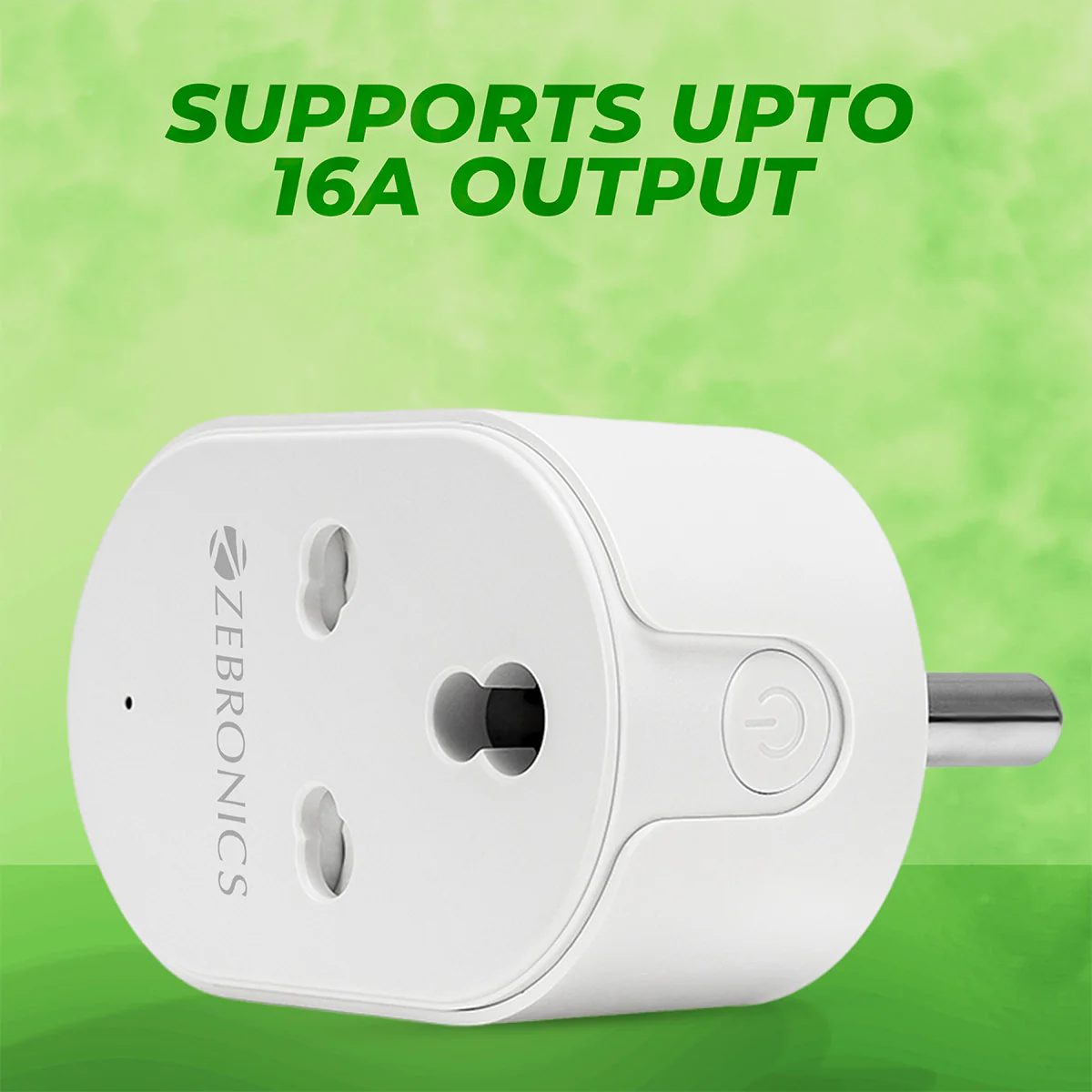
 Ever feel like your home is still stuck in the past? Wishing you could turn off that forgotten lamp from miles away or have your coffee maker start brewing just as your alarm goes off? Welcome to the world of smart living, where a tiny device like the Teckin Smart Plug can revolutionize your daily routine. These budget-friendly powerhouses are making smart home automation accessible to everyone, turning ordinary appliances into intelligent, connected devices.
What Exactly is a Smart Plug and Why Do Teckin Smart Plugs Matter?
At its core, a smart plug is an adapter that fits between your wall outlet and any appliance you want to control. It connects to your home Wi-Fi network, allowing you to control the connected device remotely via a smartphone app or voice commands. Think of it as giving your “dumb” appliances a brain. Instead of needing to buy entirely new smart gadgets, a Teckin smart plug offers a simple, cost-effective upgrade. It’s about convenience, energy efficiency, and adding a layer of security to your home, all without breaking the bank.
Why are smart plugs, and particularly the Teckin smart plug, becoming so important? In today’s fast-paced world, convenience is king. Imagine leaving your house in a rush and remembering you left the hair straightener on – a quick tap on your phone, and it’s off. Beyond convenience, smart plugs help manage energy consumption by allowing you to schedule devices or turn them off when not needed. For many, a Teckin smart plug is the perfect entry point into the smart home ecosystem, offering reliability and essential features without the complexity or high cost often associated with smart tech.
How Your Teckin Smart Plug Works and What You Need to Get Started
Getting started with a Teckin smart plug is surprisingly straightforward. These clever devices connect directly to your home’s 2.4GHz Wi-Fi network, eliminating the need for a separate, expensive smart home hub. This “no hub required” approach is a huge plus, simplifying setup and reducing clutter.
To begin your smart home journey with a Teckin smart plug, you’ll primarily need:
- A 2.4GHz Wi-Fi Network: This is crucial. Most modern routers offer both 2.4GHz and 5GHz bands. Ensure your phone is connected to the 2.4GHz network during setup, as the Teckin smart plug will only connect to this band. If your router is configured for 5GHz only, you’ll need to enable dual-band mode.
- A Smartphone or Tablet: You’ll need this to download and use the companion app.
- The Smart Life App: While Teckin might have its own app, the Smart Life app is widely recommended and often works more seamlessly for setting up and managing your Teckin smart plug devices. You can find it on both the Apple App Store and Google Play Store.
- An Electrical Outlet: Naturally, you need a place to plug in your new smart device!
Once these basics are in place, you’re just a few steps away from enjoying a smarter home.
Setting Up Your Teckin Smart Plug: A Step-by-Step Guide
Don’t worry, setting up your Teckin smart plug isn’t rocket science. Here’s a simple guide to get you up and running:
- Download the Smart Life App: Search for “Smart Life” in your device’s app store and download it. You’ll need to register for an account, which usually involves an email address or phone number and creating a password.
- Plug In Your Teckin Smart Plug: Insert the Teckin smart plug into an electrical outlet. The indicator light on the plug should start flashing rapidly. If it doesn’t, press and hold the power button on the side of the plug for about 5-6 seconds until it begins to flash quickly. This puts the plug into pairing mode and also acts as a factory reset.
- Add Device in the App: Open the Smart Life app. Tap the “Add Device” button or the “+” icon in the top right corner. From the list of device types, select “Electrical Outlet” or “Socket (Wi-Fi)”.
- Confirm Flashing Indicator: The app will ask you to confirm that the indicator light on your Teckin smart plug is flashing rapidly. Tap “Confirm indicator rapidly blink” (or similar wording).
- Connect to Wi-Fi: Enter your 2.4GHz Wi-Fi network password when prompted. Remember, this is crucial for the Teckin smart plug to connect.
- Pairing Process: The app will begin connecting to your smart plug. This usually takes about 20-30 seconds. Once successful, you’ll receive a confirmation message.
- Name Your Device: Give your new Teckin smart plug a descriptive name (e.g., “Living Room Lamp,” “Coffee Maker”). This makes it easy to identify and control, especially when using voice commands.
- Complete Setup: Tap “Completed” or “Done” to finish. You can now control your appliance directly from the Smart Life app!
For those rare instances where the quick setup doesn’t work, the Smart Life app also offers an “AP Mode” setup, which involves connecting your phone directly to the plug’s temporary Wi-Fi signal before joining it to your home network.
Maximizing Your Teckin Smart Plug: Tips and Tricks
Once your Teckin smart plug is set up, the real fun begins. Here are some ways to unlock its full potential:
- Schedule Your Life: This is a game-changer. Use the Smart Life app to set schedules for your appliances. Want your entryway lights to turn on every evening at dusk and off at dawn? Easy. Need your fan to kick in before you get home on a hot day? Consider it done. This is particularly useful for things like Christmas lights or slow cookers.
- Utilize Timers and Countdown Functions: Beyond recurring schedules, the Teckin smart plug offers one-off timers or countdowns. Set a countdown for your phone charger to prevent overcharging, or have a bedroom humidifier run for exactly two hours before automatically turning off.
- Group Control for Seamless Automation: If you have multiple Teckin smart plug devices, group them together in the app. You could create a “Living Room” group to turn off all lamps with a single tap or voice command, simplifying your routine dramatically.
- Create Smart Scenes: Take automation further by creating “scenes.” A “Good Morning” scene could turn on your bedside lamp and coffee maker simultaneously. An “Away” scene could power down non-essential devices and turn on specific lights to simulate occupancy, enhancing home security.
- Explore Automations: Many Teckin smart plug models, through the Smart Life app, support advanced automations based on external conditions. Imagine your heater turning on automatically if the outdoor temperature drops below a certain point, or your porch lights activating at sunset.
- Voice Commands are Your Best Friend: Once linked with smart assistants (more on that below), controlling your Teckin smart plug with your voice feels incredibly natural. “Alexa, turn off the bedside lamp” is far more convenient than fumbling for a switch in the dark.
“The beauty of the Teckin smart plug lies in its simplicity and versatility,” says Alex Chen, a leading smart home integration specialist. “It empowers users to experiment with home automation without a steep learning curve or significant investment, proving that smart living can truly be for everyone.”
Beyond Basic Control: Benefits of Teckin Smart Plugs
The advantages of integrating a Teckin smart plug into your home extend far beyond just turning things on and off remotely.
- Energy Saving and Cost Reduction: By scheduling devices to run only when needed or turning them off remotely, you can significantly reduce phantom power draw and unnecessary energy consumption. Some Teckin smart plug models, like the SP23 (square design), even offer energy monitoring features, allowing you to track real-time and historical power usage. This insight helps you identify energy hogs and make smarter decisions, ultimately saving you money on electricity bills.
- Enhanced Safety: The materials used in a Teckin smart plug are often designed with safety in mind. Many are made from ABS flame-retardant material and carry certifications like CE and RoHS, ensuring quality and preventing fire hazards. Features like a child lock design further enhance safety, giving parents peace of mind. The ability to remotely turn off forgotten appliances also mitigates potential risks.
- Improved Home Security: If you’re away from home, you can use your Teckin smart plug to create a “lived-in” appearance. Scheduling lights to turn on and off at random intervals, or activating them from your phone while on vacation, can deter potential intruders. It’s a simple yet effective way to add a layer of security to your property.
- Unparalleled Convenience: This is perhaps the most immediate and noticeable benefit. From powering on your bedroom fan without getting out of bed to ensuring your electric blanket is warm before you even step into the room, the everyday conveniences a Teckin smart plug offers are truly transformative.
Integrating Teckin into Your Smart Home Ecosystem
A Teckin smart plug doesn’t operate in a vacuum; it’s designed to be a versatile component of a larger smart home ecosystem.
- Seamless with Amazon Alexa and Google Home: This is where the magic of voice control comes in. Once your Teckin smart plug is configured in the Smart Life app, linking it to your Amazon Alexa or Google Home account is a breeze. Simply enable the “Smart Life” skill or service in your Alexa or Google Home app, log in with your Smart Life credentials, and your plugs will be discovered, ready for voice commands.
- IFTTT (If This Then That) Integration: For those who love advanced automation, IFTTT allows your Teckin smart plug to interact with a vast array of other apps and devices. Imagine getting a notification when you leave your designated “home” area, and then IFTTT automatically tells your Teckin smart plug to turn off all lights. The possibilities are nearly endless.
- Siri Shortcuts (for Apple Users): While the Teckin smart plug doesn’t natively support Apple HomeKit, Apple users aren’t left out. You can create “scenes” in the Smart Life app (e.g., “Evening Lights On”) and then add these scenes as Siri Shortcuts. This allows you to activate them using voice commands with Siri on your iPhone, Apple Watch, or HomePod. For truly advanced users, a Raspberry Pi with HomeBridge can integrate Teckin devices into HomeKit, though this requires a bit more technical know-how.
Troubleshooting Common Teckin Smart Plug Issues
Even the most reliable tech can sometimes hit a snag. Here are quick troubleshooting tips for your Teckin smart plug:
- Wi-Fi Connectivity is Key (2.4GHz!): The vast majority of connection issues stem from Wi-Fi. Double-check that your router is broadcasting a 2.4GHz signal and that your phone is connected to it during setup. If you have a dual-band router with a single SSID (network name), your phone might automatically connect to 5GHz. You may need to temporarily disable the 5GHz band on your router or adjust its settings to ensure a stable 2.4GHz connection.
- Resetting the Plug: If your Teckin smart plug isn’t responding or connecting, a factory reset is often the quickest fix. Simply press and hold the power button on the plug for about 5-6 seconds until the indicator light flashes rapidly. Then, attempt the setup process again from scratch.
- One Plug at a Time: When setting up multiple plugs, it’s a good practice to focus on one Teckin smart plug at a time. Unplug any other smart plugs that might be in pairing mode to avoid interference and ensure a smooth connection for the current device.
- Bluetooth On (During Setup): Some modern smart home apps leverage Bluetooth for an initial handshake during Wi-Fi pairing. Ensure your phone’s Bluetooth is enabled during the setup process, even if the plug primarily uses Wi-Fi.
Frequently Asked Questions About the Teckin Smart Plug
Q: Do I need a hub to use a Teckin smart plug?
A: No, one of the great advantages of the Teckin smart plug is that it connects directly to your 2.4GHz Wi-Fi network, so no additional hub is required.
Q: Is the Teckin smart plug compatible with Apple HomeKit?
A: A Teckin smart plug does not natively support Apple HomeKit. However, you can use Siri Shortcuts through the Smart Life app to control scenes, or for advanced users, integrate with HomeKit via a Raspberry Pi and HomeBridge.
Q: Can I monitor energy usage with my Teckin smart plug?
A: Some models of the Teckin smart plug, such as the square SP23 version, offer energy monitoring features. This allows you to view live and historical power consumption data through the Smart Life app.
Q: What Wi-Fi frequency does the Teckin smart plug use?
A: The Teckin smart plug only supports a 2.4GHz Wi-Fi network. Ensure your router is broadcasting on this frequency and your phone is connected to it during setup.
Q: What app should I use for my Teckin smart plug?
A: The Smart Life app is widely recommended for setting up and controlling your Teckin smart plug devices, offering a user-friendly interface and robust features.
Q: Can I control my Teckin smart plug when I’m away from home?
A: Yes! As long as your Teckin smart plug is connected to your home Wi-Fi and your phone has an internet connection (Wi-Fi or cellular data), you can control your appliances from anywhere in the world.
Embrace the Smart Life with Teckin
The Teckin smart plug stands out as an excellent choice for anyone looking to dip their toes into smart home technology or expand an existing setup without overspending. Their ease of use, robust feature set, and reliable performance make them a solid addition to any modern home. From simplifying daily routines and boosting energy efficiency to enhancing home security, these compact devices deliver significant value.
So, if you’re ready to transform your “dumb” devices into smart, responsive elements of your home, the Teckin smart plug is waiting. Take the leap, experiment with schedules, voice commands, and clever automations, and discover just how much more convenient and connected your home can be. It’s time to experience the effortless control and peace of mind that smart living brings.