Imagine a world where your outdoor lights welcome you home automatically, your patio fountain springs to life with a simple voice command, and your holiday decorations glow on a perfect schedule, all managed effortlessly from your smartphone. This isn’t a futuristic dream; it’s the reality offered by the Ring Smart Plug. As a pivotal component in the expansive Ring smart home ecosystem, this ingenious device empowers you to seamlessly integrate your outdoor electrical appliances into your connected living space, transforming convenience, security, and energy management.
What is a Ring Smart Plug and Why is it Essential for Your Smart Home?
At its core, the Ring Smart Plug is a robust, weather-resistant smart outlet designed specifically for outdoor use. It features dual outlets, allowing you to independently control two separate devices from a single plug. This means you can manage everything from string lights and holiday inflatables to pool pumps and garden fountains, all through the intuitive Ring app or via Alexa voice commands.
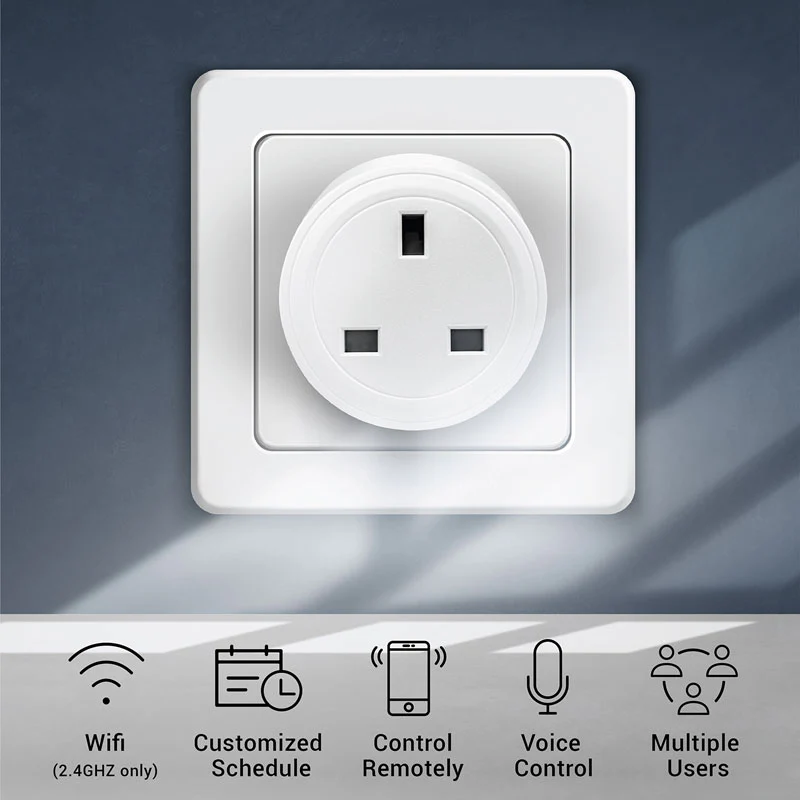
Its importance in a modern smart home cannot be overstated. Beyond simple on-off control, the Ring Smart Plug is a gateway to automation, enabling you to create schedules, link devices with motion detection, and enjoy remote access to your outdoor electronics. This level of control not only adds unparalleled convenience but also enhances your home’s security and energy efficiency. “The Ring Smart Plug isn’t merely an on-off switch; it’s a strategic extension of your smart home’s capabilities, transforming how we interact with our outdoor environments,” explains Dr. Evelyn Reed, a leading expert in connected home technology.
The Brain Behind the Brawn: How the Ring Smart Plug Works
Unlike some smart plugs that connect directly to your home Wi-Fi, the Ring Smart Plug operates within the Ring Smart Lighting ecosystem. This means it requires a central hub to function: a Ring Bridge, an Alarm Pro Base Station, an Echo (4th Generation), or an Echo Show 10 (3rd Generation). This hub acts as the brain, communicating with the smart plug using a proprietary long-range RF (Radio Frequency) protocol and then connecting to your home’s 2.4GHz Wi-Fi network. This architecture allows for reliable outdoor coverage and extends your smart home’s reach.
Once connected through the Bridge, the Ring Smart Plug becomes an integral part of your Ring app. From there, you can access individual controls for each outlet, set up schedules, and integrate it with other Ring devices. It’s important to note, however, that the original standalone Ring Bridge has been discontinued. While compatible Echo devices may work, their availability can fluctuate. For many new users looking to build a Ring Smart Lighting system from scratch, the Alarm Pro Base Station might be the most readily available hub, which can be a significant additional investment, shifting the overall cost consideration for integrating this smart plug.
Getting Started: What You Need to Bring Your Outdoor Space to Life
Setting up your Ring Smart Plug is a straightforward process, designed to get your outdoor devices connected quickly.
Essential Components:
To begin your journey into smart outdoor control, you’ll need a few key items:
- Ring Outdoor Smart Plug: The device itself, featuring two independently controllable outlets.
- A Compatible Ring Hub: This is crucial. Choose either a Ring Bridge, a Ring Alarm Pro Base Station, an Echo (4th Gen), or an Echo Show 10 (3rd Gen). Remember, one Bridge can typically support up to 50 Ring Smart Lighting devices.
- The Ring App: Available for both Android and iOS devices, this is your control center.
- A Weatherproof GFCI Outlet: For safety, the Ring Outdoor Smart Plug must be plugged into a GFCI (Ground Fault Circuit Interrupter) outlet.
Installation and Usage Guide:
Follow these simple steps to bring your Ring Smart Plug online:
- Download and Open the Ring App: If you haven’t already, install the Ring app on your smartphone or tablet and log in.
- Set Up Your Ring Bridge (or Compatible Hub): If you don’t have one set up, tap “Set Up a Device” in the app, select “Accessories,” then “Ring Bridge.” Follow the in-app instructions to connect your Bridge to your 2.4GHz Wi-Fi network.
- Add Your Outdoor Smart Plug: Once your Bridge is active, in the Ring app, tap “Set Up a Device” again. Select “Outdoor Smart Plug” and use your phone’s camera to scan the QR code located on the plug or its quick start guide.
- Physical Installation: Plug the Ring Outdoor Smart Plug into a weatherproof GFCI outlet. Ensure the outlets on the smart plug are facing downwards to prevent water ingress, and it’s recommended to place it at least 2 feet above the ground. You can also use the included hardware to mount it securely to a wall.
- Configure Outlets: The Ring app will guide you through naming each of the two outlets (e.g., “Patio Lights,” “Fountain”) and deciding whether to control them together or independently.
- Plug in Your Devices: Connect your outdoor lights or appliances to the Smart Plug’s outlets. If only using one, seal the other with the included cover.
Unlocking Full Potential: Tips and Tricks for Your Ring Smart Plug
The true power of the Ring Smart Plug lies in its versatility and integration capabilities. Here’s how to get the most out of it:
- Customizable Scheduling and Timers: Go beyond basic on/off. Set your patio lights to turn on at dusk and off at dawn, or schedule your fountain to operate only during specific hours. The app allows for multiple schedules to perfectly fit your lifestyle.
- Independent Control of Dual Outlets: This is a major advantage. Control your decorative string lights separately from your security floodlights, or manage a patio fan distinctly from a bug zapper, all from the same smart plug.
- Seamless Integration with Other Ring Devices: Link your Ring Smart Plug to motion sensors or Ring cameras. For instance, you could set an Alexa Routine for your walkway lights to illuminate when a Ring camera detects motion, adding an extra layer of security.
- Voice Control via Alexa: Pair your Ring Smart Plug with an Alexa-enabled device to enjoy hands-free control. “Alexa, turn on the patio lights,” and your outdoor space instantly comes to life.
- Seasonal Applications: From elaborate holiday light displays that turn on automatically to pool pumps that run on a precise schedule, the Ring Smart Plug is your year-round outdoor automation assistant.
Beyond Convenience: Energy Savings, Enhanced Safety, and Smart Control
Integrating a Ring Smart Plug into your home offers far more than just the ability to turn things on and off remotely.
Energy Efficiency:
While the Ring Smart Plug doesn’t offer built-in energy reporting, it significantly contributes to energy savings by eliminating “vampire drain.” By precisely scheduling when devices like outdoor chargers or lights are powered, you ensure they only draw electricity when needed. No more accidentally leaving the decorative lights on all day!
Enhanced Safety and Security:
Automated outdoor lighting can be a powerful deterrent against potential intruders. Scheduling lights to turn on when you’re away can make your home appear occupied, enhancing security. Remote control also provides peace of mind; if you forget to turn off an outdoor appliance, you can do so from anywhere, preventing potential hazards.
Ultimate Convenience:
Imagine arriving home to a perfectly lit driveway and a welcoming front porch, all without lifting a finger. Or, turning off that forgotten patio heater from your bedroom. The ability to control your outdoor devices from the Ring app, or with a simple voice command, delivers unparalleled convenience, simplifying your daily routines and enhancing your quality of life.
Advanced Capabilities and Ecosystem Integration: What to Expect
The Ring Outdoor Smart Plug boasts a robust design built to withstand the elements. Its IP66 weather-resistant enclosure ensures durability against rain, dust, and extreme temperatures, operating flawlessly between -4°F and 122°F (-20°C to 50°C). This makes it a reliable choice for diverse climates.
Its integration into the Amazon ecosystem is seamless. It works effortlessly with the Ring app and is fully compatible with Alexa voice commands and routines, allowing it to interact with other Alexa-compatible smart home devices. However, it’s important to manage expectations regarding broader smart home platform support. The Ring Smart Plug does not natively support Google Assistant, Apple HomeKit, or IFTTT. Additionally, unlike some competitors, it does not provide detailed energy usage reports. For users deeply invested in the Ring and Alexa ecosystem, these limitations are often minor, as the core functionality and integration are strong within its dedicated environment.
Frequently Asked Questions (FAQ)
Q: Is the Ring Smart Plug exclusively for outdoor use?
A: While designed for outdoor use with its weather-resistant casing, the Ring Smart Plug can technically be used indoors. However, its primary benefits and features are optimized for exterior environments.
Q: Is a Ring Bridge absolutely necessary for the Ring Smart Plug?
A: Yes, a Ring Bridge or a compatible hub (like a Ring Alarm Pro Base Station, Echo 4th Gen, or Echo Show 10 3rd Gen) is required to enable smart features and control the Ring Smart Plug via the Ring app and Alexa.
Q: Can I control each of the two outlets independently?
A: Absolutely! The Ring Outdoor Smart Plug features dual outlets that can be controlled independently through the Ring app, allowing you to manage two different devices or lighting setups separately.
Q: Does the Ring Smart Plug work with Google Assistant or Apple HomeKit?
A: No, the Ring Smart Plug is primarily designed to work within the Amazon ecosystem, meaning it’s compatible with the Ring app and Alexa, but does not natively support Google Assistant, Apple HomeKit, or IFTTT.
Q: What kind of outdoor devices can I connect to it?
A: You can connect most standard plug-in outdoor devices, including holiday lights, patio lights, fountains, outdoor fans, and other small appliances, as long as they do not exceed the plug’s maximum load of 15A or 1875 watts.
Q: What are the power specifications of the Ring Smart Plug?
A: The Ring Outdoor Smart Plug operates at 120VAC, 60 Hz, with a maximum load of 15 Amps, 1/2 HP motor load, or 1875 watts (resistance) across both outlets.
Q: How many Ring Smart Lighting devices can one Ring Bridge manage?
A: A single Ring Bridge can typically support approximately 50 Ring Smart Lighting devices, including Smart Plugs, motion sensors, and various light fixtures.
Conclusion
The Ring Smart Plug is more than just another gadget; it’s a strategic enhancement for any smart home looking to extend its intelligence beyond indoor walls. By providing robust, weather-resistant control over your outdoor lights and appliances, it brings unparalleled convenience, boosts energy efficiency, and reinforces home security. While it thrives within the Ring and Alexa ecosystem and requires a compatible hub, its dual-outlet design, independent control, and seamless automation capabilities make it an invaluable tool for transforming your outdoor spaces. If you’re already a part of the Ring family or are looking to dive into smart outdoor living, the Ring Smart Plug offers a reliable and intelligent solution to master your outdoors. Embrace the future of connected living and experience the simplicity and power of smart outdoor control.