Ever wish you could turn off your forgotten curling iron from miles away, or have your coffee maker start brewing just as your alarm rings? Imagine a world where your everyday appliances listen to your commands, adapt to your schedule, and even enhance your home’s security. This isn’t science fiction; it’s the reality brought to you by the Kasa Smart Wi-Fi Plug. This ingenious device from TP-Link is an affordable, user-friendly entry point into the exciting realm of smart home technology, promising unparalleled convenience and peace of mind.
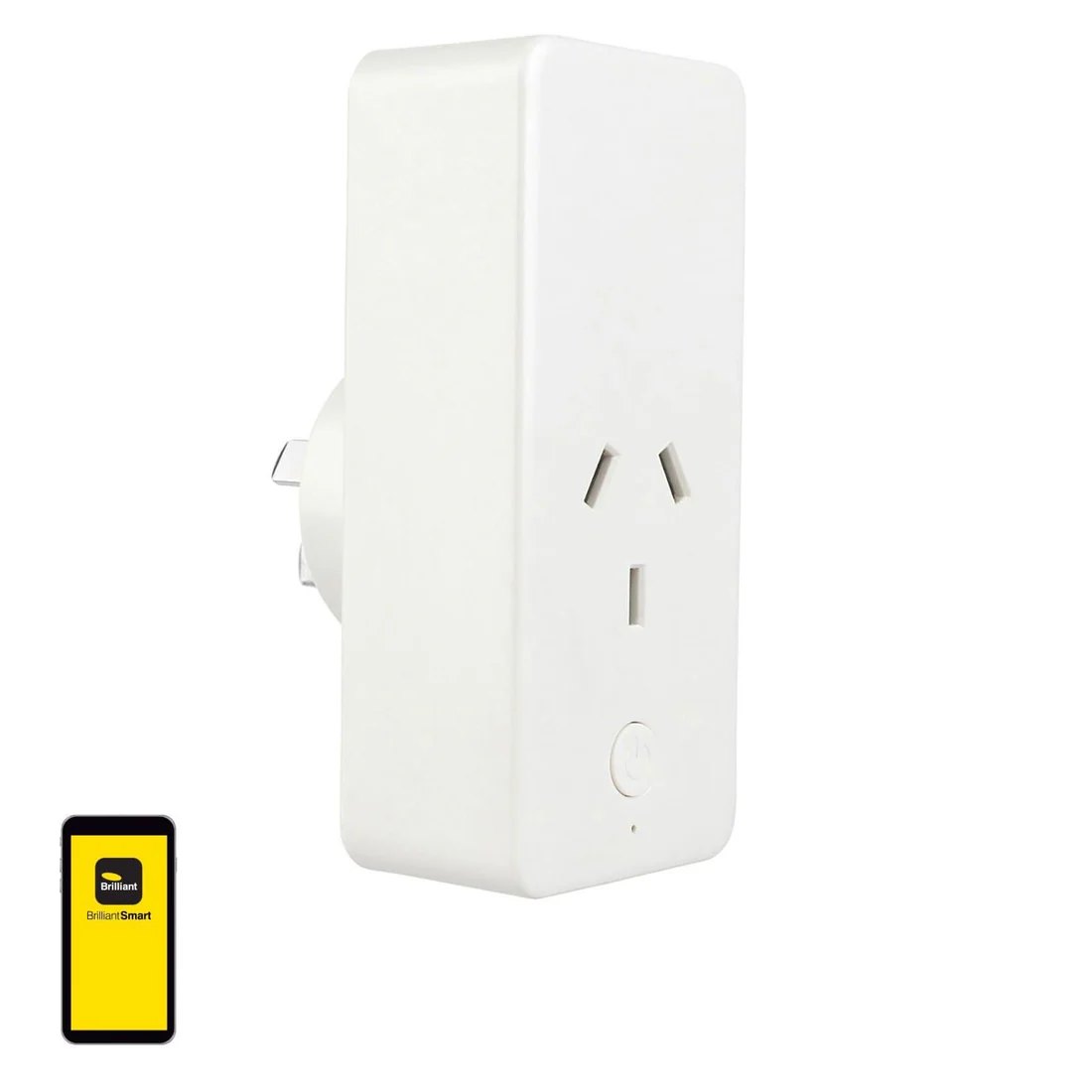
What is a Kasa Smart Wi-Fi Plug and Why Does It Matter?
At its heart, a smart plug is an adapter that connects a non-smart appliance to your Wi-Fi network, effectively making it “smart.” The Kasa Smart Wi-Fi Plug takes this concept and elevates it with its robust features and seamless integration. It’s more than just a simple on/off switch; it’s a tool that empowers you to remotely control, schedule, and automate your home electronics with ease.
In today’s fast-paced world, the Kasa Smart Wi-Fi Plug matters because it simplifies daily life. It eliminates those nagging “did I turn off the lights?” moments and allows you to craft a home environment that perfectly suits your routine. From improving energy efficiency to bolstering home security, these plugs are foundational elements for any modern smart home setup. “Smart plugs are often the first step people take into home automation,” notes Anya Sharma, a leading Smart Home Innovations Analyst. “Their simplicity and immediate impact make them incredibly appealing for transforming ordinary devices into connected, intelligent components of a larger ecosystem.”
How Kasa Smart Wi-Fi Plugs Work and What You Need to Get Started
The beauty of the Kasa Smart Wi-Fi Plug lies in its straightforward operation. Unlike some smart home gadgets that demand a dedicated hub, Kasa plugs connect directly to your home’s 2.4GHz Wi-Fi network. This direct connection means fewer devices to manage and a simpler setup process, making it ideal for those new to smart home technology.
To embark on your Kasa Smart Wi-Fi Plug journey, you’ll need just a few essentials:
- A Kasa Smart Wi-Fi Plug: Of course! There are various models, including compact mini plugs (like the HS103) and robust outdoor versions (like the KP400), catering to different needs.
- A Smartphone or Tablet: This will be your control center.
- The Kasa Smart App: Available for both iOS and Android, this free app is where you’ll manage all your Kasa devices.
- A 2.4GHz Wi-Fi Network: Most home routers support this frequency. Ensure your phone is connected to the 2.4GHz network during initial setup.
- A Standard Wall Outlet: Just plug it in like any other appliance.
A Walkthrough: Setting Up Your Kasa Smart Wi-Fi Plug
Getting your Kasa Smart Wi-Fi Plug up and running is surprisingly simple. Here’s a step-by-step guide to integrate it into your smart home:
- Unbox and Plug In: Start by carefully unboxing your Kasa Smart Wi-Fi Plug. Then, plug it into any standard wall outlet. You should see an indicator light begin to blink, often orange and green or orange and blue, signaling it’s ready for setup.
- Download the Kasa Smart App and Create an Account: Head to your smartphone’s app store (Google Play or Apple App Store), search for “Kasa Smart,” and download the official app. Once installed, open it and follow the prompts to create a Kasa account. This account will allow you to control your devices from anywhere.
- Add Your Device: In the Kasa Smart app, tap the ‘+’ icon (usually in the top right corner or bottom center) to “Add Device.” Select “Smart Plugs” from the list, then choose the specific model you have (e.g., “Smart Plug Lite/Mini”).
- Connect to the Plug’s Temporary Wi-Fi: The app will guide you to connect your phone to the Kasa plug’s temporary Wi-Fi network. This network usually appears as “TP-Link_SmartPlug_XXXX” in your phone’s Wi-Fi settings. Select it and wait for your phone to connect.
- Connect the Plug to Your Home Wi-Fi: Once your phone is connected to the plug’s network, return to the Kasa Smart app. It will then scan for available home Wi-Fi networks. Select your 2.4GHz home Wi-Fi network from the list and enter its password. The app will then transfer this information to the plug, connecting it to your home network.
- Name Your Device: After a successful connection, the app will prompt you to give your Kasa Smart Wi-Fi Plug a descriptive name (e.g., “Living Room Lamp,” “Bedroom Fan”). This makes it easy to identify and control, especially with voice commands.
Troubleshooting Tip: If the indicator light isn’t blinking as expected, try unplugging the device and plugging it back in. If the Wi-Fi connection fails, ensure your phone is connected to your home’s 2.4GHz Wi-Fi network, as Kasa plugs do not support 5GHz networks.
Tips and Tricks to Maximize Your Kasa Smart Wi-Fi Plug’s Potential
Once your Kasa Smart Wi-Fi Plug is set up, a world of possibilities opens up. Here’s how to get the most out of it:
- Remote Control from Anywhere: The most immediate benefit is the ability to turn connected devices on or off from literally anywhere using the Kasa Smart app. Forgot to turn off your hair straightener? No problem! Heading home and want the lights on before you walk in? Done.
- Scheduling and Timers for Automation: This is where the Kasa Smart Wi-Fi Plug truly shines. Set daily schedules for lights, fans, or even your slow cooker. You can schedule your outdoor Christmas lights to turn on at sunset and off at a specific time, or have your bedroom lamp gradually brighten in the morning.
- Away Mode for Home Security: When you’re traveling, activate “Away Mode.” This intelligent feature randomly turns connected lights or other devices on and off, mimicking someone being home and deterring potential intruders. It’s a simple yet effective layer of security.
- Device Grouping for Unified Control: If you have multiple Kasa Smart Wi-Fi Plugs (or other Kasa devices), you can group them within the app. This allows you to control several devices with a single tap or voice command – perfect for “Good Morning” or “Good Night” routines that control all your bedroom lights simultaneously.
- Voice Control Integration: Link your Kasa Smart account to Amazon Alexa, Google Assistant, or Microsoft Cortana. This enables hands-free control. Just say, “Alexa, turn on the living room lamp,” or “Hey Google, turn off the bedroom fan,” for instant action.
The Perks of Plugging In: Energy Savings, Enhanced Safety, and Ultimate Convenience
The Kasa Smart Wi-Fi Plug isn’t just a gadget; it’s an investment in a more efficient, secure, and convenient lifestyle.
- Energy Saving: By automating when your devices turn on and off, you can significantly reduce phantom power draw and ensure appliances only run when needed. While some Kasa models like the HS103 or KP400 don’t offer built-in energy monitoring, the ability to schedule and remotely power off devices still contributes to mindful energy consumption. Imagine your phone charger turning off automatically when your phone is fully charged, or your space heater powering down when you leave the house.
- Enhanced Safety: Smart plugs can prevent accidental overheating by allowing you to remotely switch off devices like curling irons or electric blankets. The “Away Mode” also adds a crucial layer of home security, making your house appear occupied even when it’s not.
- Ultimate Convenience: This is perhaps the most immediate and appreciated benefit. From controlling hard-to-reach outlets to setting up complex routines, the Kasa Smart Wi-Fi Plug puts your home’s power in your palm or at your voice command. Waking up to a freshly brewed pot of coffee or walking into a well-lit home after dark becomes effortlessly routine.
Advanced Features and Seamless Smart Home Ecosystem Integration
The Kasa Smart Wi-Fi Plug is designed to be a team player in your smart home. Its robust compatibility allows it to seamlessly integrate with popular smart home ecosystems, enhancing its utility.
- Voice Assistant Compatibility: As mentioned, Kasa Smart Wi-Fi Plugs work flawlessly with Amazon Alexa, Google Assistant, and even Microsoft Cortana. This widespread support ensures you can control your devices using the voice assistant you already prefer.
- Smart Home Routines and Scenes: Beyond simple on/off commands, you can integrate Kasa plugs into broader smart home routines or “scenes.” For example, a “Movie Night” scene could dim your lights, turn on your fan, and power up your TV and sound system simultaneously with a single command.
- Diverse Kasa Plug Models: TP-Link offers various Kasa Smart Wi-Fi Plug models to meet specific needs. The compact “mini” plugs are perfect for indoor outlets without blocking adjacent sockets. For outdoor lighting or pond pumps, the robust, weather-resistant Kasa outdoor smart plug (like the KP400) provides durable control with individually controllable sockets. Exploring these options allows you to tailor your smart home setup precisely to your requirements.
Frequently Asked Questions (FAQ)
Do I need a hub for my Kasa Smart Wi-Fi Plug?
No, one of the significant advantages of the Kasa Smart Wi-Fi Plug is that it connects directly to your home Wi-Fi network, eliminating the need for a separate smart home hub.
Does the Kasa Smart Wi-Fi Plug monitor energy usage?
Many Kasa Smart Wi-Fi Plug models, such as the HS103 or KP400, do not have built-in energy monitoring capabilities. However, their scheduling and remote control features still contribute to energy saving by ensuring devices are only on when needed.
Can I use Kasa Smart Wi-Fi Plugs outdoors?
Yes, TP-Link offers specific Kasa Outdoor Smart Plugs (e.g., KP400) that are designed to be weather-resistant and are suitable for outdoor use, often featuring multiple individually controllable outlets.
What Wi-Fi frequency does the Kasa Smart Wi-Fi Plug use?
Kasa Smart Wi-Fi Plugs are compatible with 2.4GHz Wi-Fi networks only. Ensure your router is configured for this frequency and that your smartphone is connected to the 2.4GHz network during the initial setup process.
Is the Kasa Smart Wi-Fi Plug easy for beginners to set up?
Absolutely! The Kasa Smart Wi-Fi Plug is renowned for its user-friendly setup process and intuitive Kasa Smart app, making it an excellent choice for individuals new to smart home technology.
Can I control multiple Kasa Smart Wi-Fi Plugs at once?
Yes, the Kasa Smart app allows you to group multiple Kasa devices, enabling you to control several plugs simultaneously with a single tap or voice command, which is perfect for creating customized routines.
Conclusion
The Kasa Smart Wi-Fi Plug is more than just a clever gadget; it’s a powerful yet accessible tool that can genuinely transform your living space. With its effortless setup, robust features like remote control, scheduling, and Away Mode, and seamless integration with popular voice assistants, it makes smart home convenience a reality for everyone. Whether you’re looking to save energy, enhance security, or simply simplify your daily routine, the Kasa Smart Wi-Fi Plug offers an intelligent solution. Take the leap, plug into smarter living, and discover the unparalleled control and comfort that awaits. Your home, smarter and simpler, is just a Kasa plug away.