Stepping into the world of smart home automation can feel like gaining a superpower, and at its core, the humble smart plug is your first magic wand. For Apple enthusiasts, finding the best HomeKit smart plug means unlocking seamless integration, robust privacy, and intuitive control over your devices. Imagine turning off a forgotten lamp with a simple “Hey Siri” or scheduling your coffee maker to brew just as you wake up. This isn’t science fiction; it’s the everyday convenience offered by HomeKit-compatible smart plugs.
What is a Smart Plug and Why Are They Important for HomeKit Users?
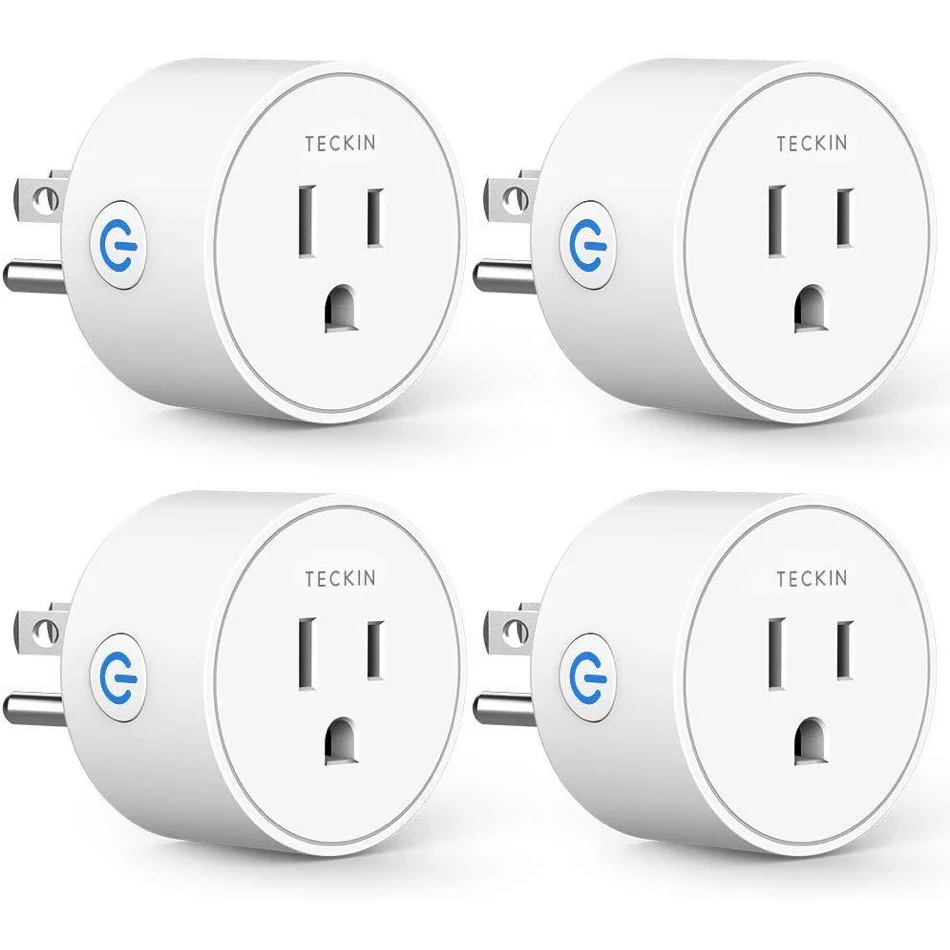
At its simplest, a smart plug is an adapter that fits between your wall outlet and any electrical device, turning that device into a “smart” one. For Apple HomeKit users, these plugs offer unparalleled convenience and control directly through the Home app on your iPhone, iPad, Mac, or Apple Watch. They are fundamental building blocks for automating your home, allowing you to manage everything from lamps and fans to humidifiers and holiday lights with a tap or a voice command. The importance of HomeKit smart plugs specifically lies in Apple’s dedication to user privacy, end-to-end encryption, and seamless integration within its ecosystem, providing a secure and reliable foundation for your smart home aspirations.
Top Considerations for Choosing Your HomeKit Smart Plugs
When hunting for the perfect HomeKit smart plug, it’s not just about turning things on and off; it’s about finding the right fit for your lifestyle and existing smart home ecosystem. Here are the crucial elements to weigh:
- Compatibility: Ensure the plug explicitly states “Works with Apple HomeKit” or supports Matter, the new universal smart home standard that integrates effortlessly with HomeKit. Matter compatibility is a significant advantage, ensuring broader interoperability and future-proofing your devices.
- Connectivity: Many HomeKit smart plugs utilize Wi-Fi, while newer models increasingly support Thread. Thread offers lower latency, greater reliability, and creates a mesh network, extending the range and responsiveness of your HomeKit devices, especially when paired with a HomePod mini or Apple TV 4K as a Thread Border Router.
- Energy Monitoring: A highly sought-after feature, energy monitoring allows you to track power consumption in real-time, helping you identify energy vampires and potentially lower your utility bills.
- Design and Size: Consider the plug’s form factor. A compact design is essential if you need to use both outlets in a standard wall plate, preventing the smart plug from blocking the second receptacle.
- Indoor vs. Outdoor Use: If you plan to automate patio lights or garden fountains, look for outdoor-rated smart plugs (e.g., IP44 or IP65 for water and dust resistance) that can withstand the elements.
- Independent Outlet Control: Some multi-outlet smart strips or dual plugs offer individual control over each socket, adding more flexibility for complex setups.
Brands like Eve Energy, Meross, and Wemo are consistently highlighted for their robust HomeKit integration, with many offering Thread and Matter support alongside features like energy monitoring. Leviton also stands out for its sleek design and Matter compatibility.
How HomeKit Smart Plugs Work and What You Need to Get Started
HomeKit smart plugs leverage your home’s Wi-Fi network or Thread technology to communicate with your Apple devices and a Home Hub. When you issue a command—via the Home app, Siri, or an automation—the plug receives this instruction and either cuts or restores power to the connected appliance. It’s a simple yet powerful mechanism that brings remote and automated control to your fingertips.
To dive into the world of HomeKit smart plugs, you’ll need a few essentials:
- An Apple Device: An iPhone, iPad, or Mac running the latest iOS/iPadOS/macOS. This is where the Home app resides, your central command center.
- The Home App: Pre-installed on all Apple devices, this app is your gateway to managing all your HomeKit accessories.
- A HomeKit-Compatible Smart Plug: Look for the “Works with Apple HomeKit” badge or Matter compatibility.
- A Reliable Wi-Fi Connection: Most Wi-Fi plugs require a 2.4 GHz network for initial setup. Thread-enabled plugs also connect through your existing network but form a more resilient mesh.
- An Apple ID: Signed into iCloud for seamless syncing and remote access features.
- An Optional Home Hub (Highly Recommended): An Apple TV (4th gen or later), HomePod, or HomePod mini acts as a Home Hub. This enables remote control of your smart plugs when you’re away from home, runs automations, and provides crucial Thread Border Router capabilities for Thread devices. While iOS 18 might offer some local Matter control without a hub, a dedicated Home Hub ensures the best experience and full functionality.
Your Step-by-Step Guide to Setting Up and Using a HomeKit Smart Plug
Setting up a HomeKit smart plug is designed to be user-friendly, typically involving a few quick steps:
- Unpack and Plug In: Take your new smart plug out of its box and plug it into a wall outlet. Ensure the device you want to control is then plugged into the smart plug.
- Open the Home App: On your iPhone or iPad, launch the Home app. If it’s your first time, you might be prompted to set up a “New Home.”
- Add Accessory: Tap the “+” icon in the top right corner, then select “Add Accessory.”
- Scan the Code: You’ll be prompted to scan the HomeKit setup code (a QR code), usually found on the smart plug itself, its packaging, or in the manual. For Matter devices, this process is similar.
- Follow On-Screen Instructions: The app will guide you through connecting the plug to your Wi-Fi network (if applicable), assigning it to a room (e.g., “Living Room”), and giving it a descriptive name (e.g., “Reading Lamp,” “Desk Fan”).
- Customize (Optional): Once added, you can further customize the plug’s settings, check for firmware updates, and view energy monitoring data within the Home app or the manufacturer’s companion app if desired.
Controlling your newly added smart plug is just as simple. You can tap its icon in the Home app to turn it on or off, or use Siri by saying, “Hey Siri, turn on the Reading Lamp.”
Tips and Tricks to Maximize Your Smart Plug Utility
Getting the best HomeKit smart plug is just the beginning. Here’s how to truly maximize its potential:
- Group Devices: Combine multiple smart plugs (or other HomeKit devices) into “Scenes.” For example, a “Good Night” scene could turn off all lamps, lock doors, and adjust the thermostat.
- Create Automations: This is where HomeKit truly shines. Set schedules (e.g., “Turn on porch light at sunset”), location-based triggers (e.g., “Turn on hallway light when I arrive home”), or trigger actions based on other accessory states (e.g., “Turn on fan when temperature sensor reaches 75°F”).
- Utilize Energy Monitoring: For plugs with this feature, regularly check the Home app or manufacturer’s app to identify power-hungry devices and optimize their usage. You might be surprised where your electricity goes!
- Voice Control with Siri: Take full advantage of Siri. Name your plugs intuitively (e.g., “Coffee Maker,” “Christmas Tree”) to make voice commands natural and effective.
- Outdoor Adaptations: Use outdoor smart plugs for seasonal decorations, pond pumps, or garden lighting, extending your smart home reach beyond the four walls.
Benefits of Smart Plugs: Energy Saving, Safety, and Convenience
Integrating smart plugs into your HomeKit ecosystem brings a multitude of advantages:
- Energy Saving: With features like energy monitoring and scheduling, you can precisely control when devices consume power, preventing standby waste and reducing your electricity bill. No more guessing if you left a light on!
- Enhanced Safety: Smart plugs can add a layer of safety by allowing you to remotely turn off potentially hazardous appliances like curling irons or space heaters. Automations can also mimic presence when you’re away, deterring potential intruders.
- Unmatched Convenience: The ability to control devices from anywhere, set up routines, and use voice commands fundamentally simplifies daily tasks. Imagine having your fan turn on automatically when your room gets too warm, or your electric kettle starting to boil as your alarm rings.
“The true power of a smart plug isn’t just in its ability to toggle power, but in how it empowers you to reclaim control over your environment and simplify your daily life,” says Dr. Evelyn Reed, a leading expert in smart home technology. “For HomeKit users, this is amplified by Apple’s secure and intuitive platform, turning everyday appliances into intelligent partners.”
Advanced Features and Smart Home Ecosystem Integration
The best HomeKit smart plug often comes packed with advanced functionalities that elevate your smart home experience. Beyond basic on/off control, look for:
- Matter and Thread Support: As mentioned, these are key for future-proofing and improving reliability.
- Energy Consumption Monitoring: Providing detailed insights into power usage, often with historical data and cost estimations.
- Overload Protection: A safety feature that automatically shuts off power if a device draws too much current.
- Away Mode: Randomly turns lights or other devices on and off to simulate occupancy, enhancing security.
- Integration with Scenes and Automations: Deep compatibility with HomeKit’s automation engine for complex, multi-device routines.
- Companion Apps: While HomeKit is central, many brands offer their own apps for firmware updates, advanced settings, and unique features not always exposed in the Home app.
These smart plugs seamlessly integrate into the broader Apple HomeKit ecosystem, working in harmony with smart lights, thermostats, cameras, and sensors to create a truly interconnected and intelligent living space.
Frequently Asked Questions about HomeKit Smart Plugs
Q: Do all smart plugs work with Apple HomeKit?
A: No, not all smart plugs are compatible with Apple HomeKit. You need to look for plugs explicitly labeled “Works with Apple HomeKit” or those that support the Matter standard, which seamlessly integrates with HomeKit.
Q: What is a Home Hub and do I really need one?
A: A Home Hub (like an Apple TV, HomePod, or HomePod mini) allows for remote control of your HomeKit devices when you’re away, enables automations, and provides Thread networking capabilities. While some local Matter control might be possible without one on newer iOS versions, a Home Hub is highly recommended for full functionality and the best experience.
Q: Can I control my HomeKit smart plugs with Siri?
A: Absolutely! Siri voice control is a core feature of HomeKit. Once set up, you can use commands like “Hey Siri, turn off the bedside lamp” or “Hey Siri, activate Movie Night scene.”
Q: What is the difference between Wi-Fi and Thread connectivity for smart plugs?
A: Wi-Fi plugs connect directly to your home’s Wi-Fi network. Thread is a newer, low-power mesh networking technology that offers faster response times and greater reliability, especially in larger homes, by creating a self-healing network between compatible devices. Thread requires a Home Hub like a HomePod mini or Apple TV 4K.
Q: Do HomeKit smart plugs monitor energy usage?
A: Many popular HomeKit smart plugs, such as the Eve Energy, offer energy monitoring capabilities. This feature allows you to track the real-time power consumption of connected devices, helping you understand and reduce energy waste.
Q: Can I use HomeKit smart plugs outdoors?
A: Yes, there are specific outdoor-rated smart plugs designed to withstand various weather conditions. Look for plugs with an IP (Ingress Protection) rating of at least IP44 or IP65 for reliable outdoor use.
Q: How secure are HomeKit smart plugs?
A: Apple HomeKit is renowned for its strong security and privacy features, including end-to-end encryption for communication between your devices and accessories. This ensures your smart home data remains private and secure.
The Smart Choice for an Automated Life
Choosing the best HomeKit smart plug is a critical step towards a more automated, energy-efficient, and convenient home. By understanding the key features, connectivity options like Thread and Matter, and the seamless integration with Apple’s ecosystem, you can select devices that truly enhance your living space. From simple scheduling to advanced automations and detailed energy monitoring, these small but mighty gadgets empower you to take charge of your home in ways you never thought possible. So go ahead, experiment, automate, and discover the transformative power of a truly smart home.
|
Our Picks for the Best Smart Plug in 2026
As an Amazon Associate I earn from qualifying purchases.
|
||
| Num | Product | Action |
|---|---|---|
| 1 | Amazon Smart Plug - Works with Alexa - Simple setup, endless possibilities |

|
| 2 | Sense Energy Monitor - Track Electricity Usage in Real Time and Save Money - Meets Rigorous ETL/Intertek Safety Standards |
|
| 3 | Kasa Smart Plug Mini 15A, Smart Home Wi-Fi Outlet Works with Alexa, Google Home & IFTTT, No Hub Required, UL Certified, 2.4G WiFi Only, 4-Pack(EP10P4) , White |
|
| 4 | Kasa Smart Plug HS103P2, Smart Home Wi-Fi Outlet Works with Alexa, Echo, Google Home & IFTTT, No Hub Required, Remote Control,15 Amp,UL Certified, (Pack of 2) White |
|
| 5 | Kasa Smart Plug Ultra Mini 15A, Smart Home Wi-Fi Outlet Works with Alexa, Google Home & IFTTT, No Hub Required, UL Certified, 2.4G WiFi Only, 1-Pack(EP10), White |
|
| 6 | GHome Smart Plug, WiFi Smart Plugs Work with Alexa and Google Home, Smart Outlet Timer with APP Remote Control, 2.4GHz Wi-Fi Only, No Hub Required, ETL FCC Listed |
|
| 7 | Kasa Matter Smart Plug w/ Energy Monitoring, Compact Design, 15A/1800W Max, Super Easy Setup, Works with Apple Home, Alexa & Google Home, UL Certified, 2.4G Wi-Fi Only, White, KP125M (4-Pack) |
|
| 8 | Kasa Smart Plug HS103P3, Smart Home Wi-Fi Outlet Works with Alexa, Echo, Google Home & IFTTT, No Hub Required, Remote Control,15 Amp,UL Certified, White, 3 Count (Pack of 1) |
|
| 9 | Kasa Smart Plug HS103P4, Smart Home Wi-Fi Outlet Works with Alexa, Echo, Google Home & IFTTT, No Hub Required, Remote Control, 15 Amp, UL Certified, 4-Pack, White |
|
| 10 | Kasa Smart Plug Ultra Mini 15A, Smart Home Wi-Fi Outlet Works with Alexa, Google Home & IFTTT, No Hub Required, UL Certified, 2.4G WiFi Only, 2 Count (Pack of 1)(EP10P2) , White |
|